Overview
Overview
Section titled “Overview”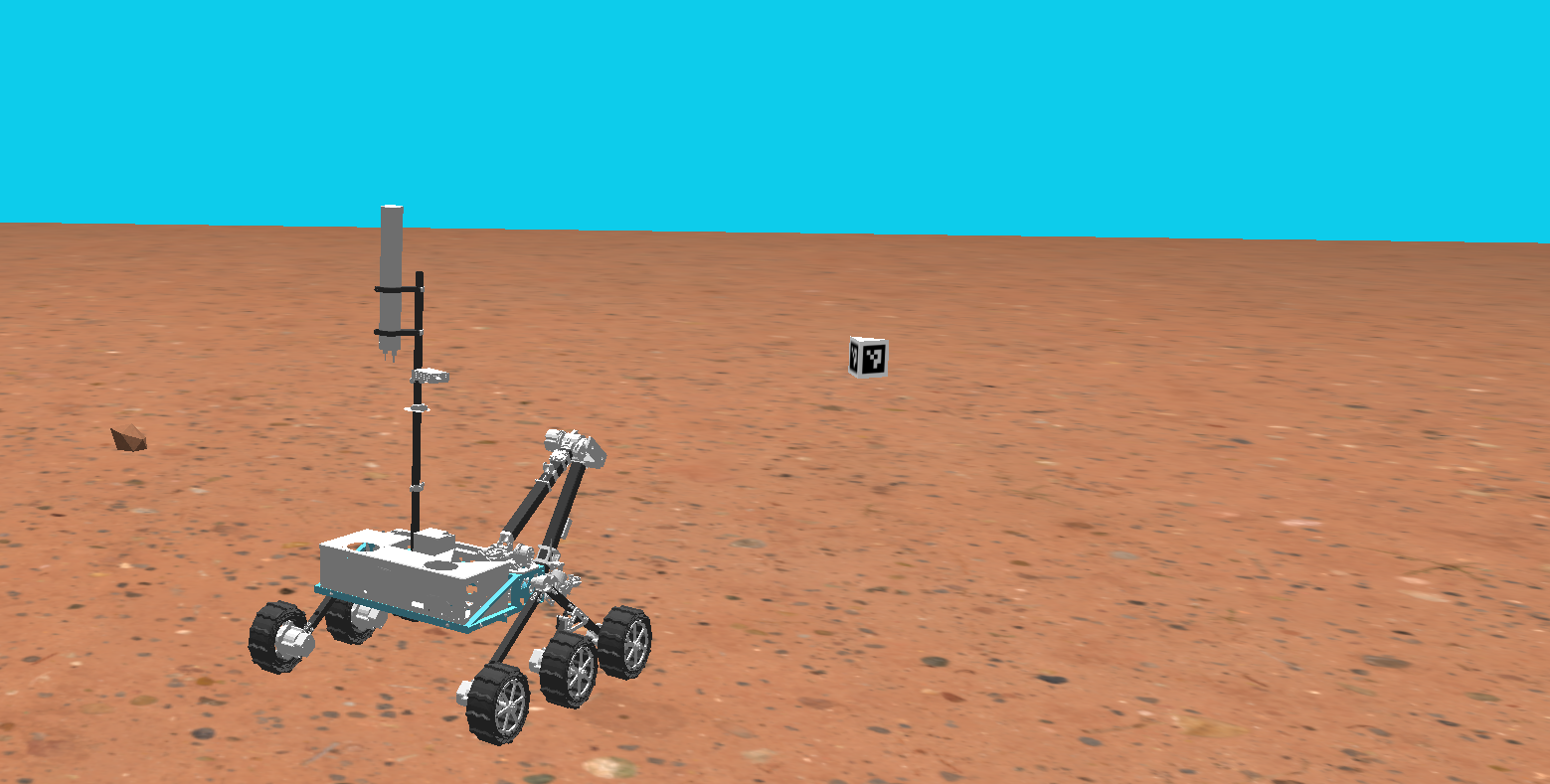
Welcome to the autonomy starter project tutorial! In this tutorial, you will write code for all three subsystems encompassed by autonomy: perception, navigation, and localization. You will then put them all together in order to complete a task with a simulated rover. The goal is to familiarize yourself with what type of problems we tackle and how to do that with our codebase.
When you complete the project you will have a rover that uses its localization system to navigate to a set waypoint and then uses its perception system to drive it to a tag, here is an example of a working solution (click the image below, it’s a link):

Getting Started
Section titled “Getting Started”Auton Starter Project Setup
Section titled “Auton Starter Project Setup”Visit the starter project repo
Prerequisite
Section titled “Prerequisite”A working mrover install, per the Install ROS wiki page.
Then build the ROS 2 workspace by running
mrover./build.shcurl -fsSL https://raw.githubusercontent.com/umrover/auton-starter-project/main/scripts/setup.sh | bashAfter it finishes:
source ~/.zshrcIn every new terminal run
auton_starterAfter making changes to your code, compile through
build_starterThen to run the simulator with your code run
ros2 launch mrover_autonomy_starter starter_project.launch.py